
For buyers
Got a MyGlovebox link?
Someone sent you a receipt-verified history page for a car you’re considering. That’s a good sign — here’s how to read it and get the most out of it.
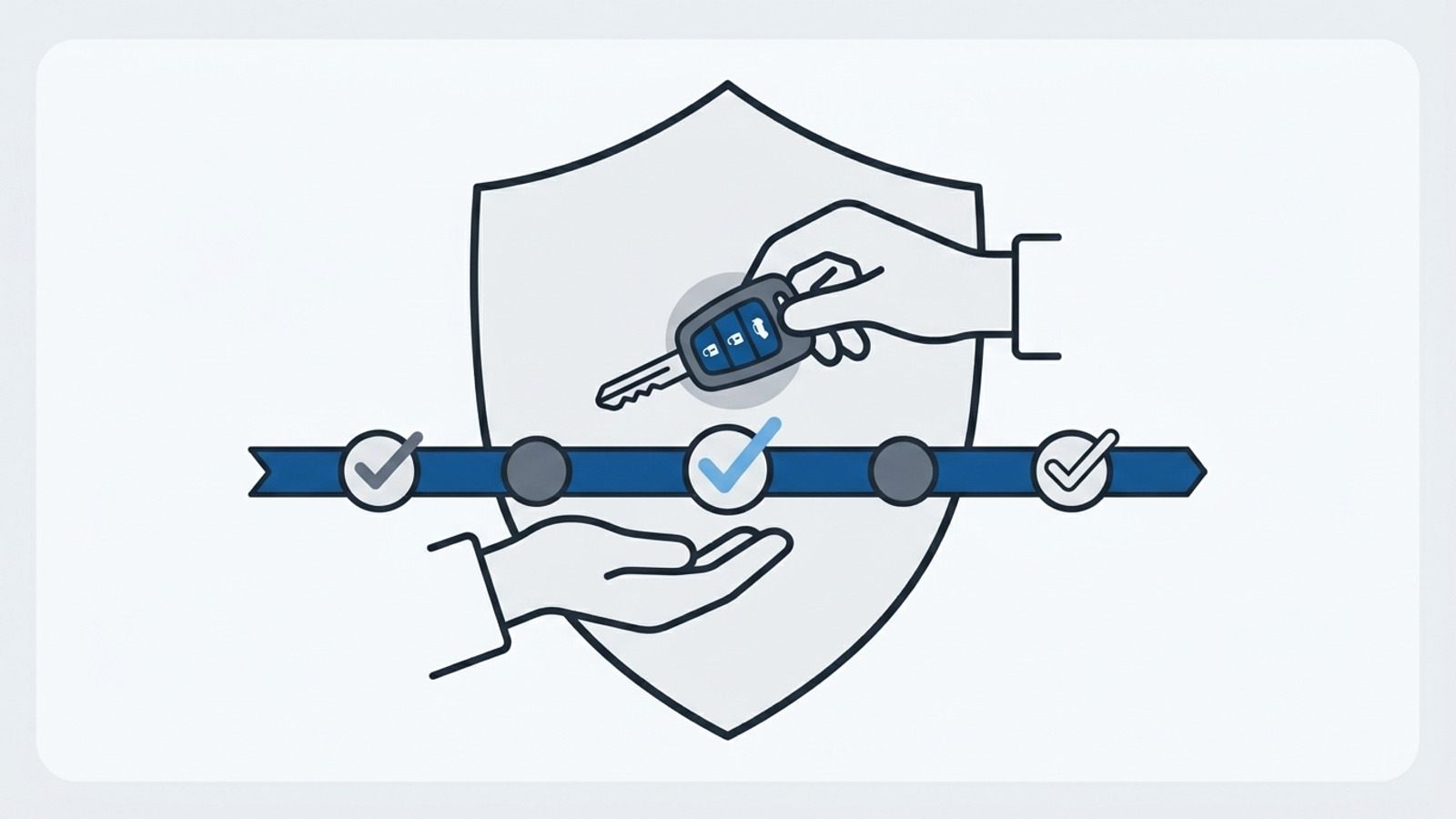
What a receipt-verified timeline means
A MyGlovebox history is the owner’s log of every service, repair, and modification — in order, with dates and mileage. Entries marked as verified have an actual receipt or invoice attached, so you’re not taking “it was well maintained” on faith. You can see the work, when it happened, and the proof behind it.
Read it like a pro
What to look for.
Consistent mileage
Dates and odometer readings should climb together at a believable pace. Big gaps, or mileage that jumps around, are worth a question.
Real receipt images
Open the attached receipts. Verified entries should show a genuine invoice with the shop, date, and work that matches the log.
Recent and regular work
Look for steady upkeep — oil changes on interval, brakes and tires addressed — not a flurry of entries right before the sale.
What's missing
A wear item you’d expect on a car this age and mileage with no entry isn’t a dealbreaker — it’s just your next question.
Questions worth asking the seller
- Are there services you did but didn’t log here?
- What’s the story behind any big repair — or any long gap?
- When were the tires, battery, and brakes last done?
- Any known issues or work you know is coming up?
A seller who documented the car this carefully will usually be happy to answer — and a receipt-backed history plus a clean pre-purchase inspection is about as much confidence as a used-car buyer can get.
Just bought it? Start the next chapter.
The history doesn’t have to stop at the sale. Pick up where the last owner left off and keep the car’s story going — it’ll pay you back when it’s your turn to sell.