Help Center
How can we help?
Browse a topic for step-by-step guidance, or search the FAQ. Everything you need to document a car and share the proof when you sell.
Getting started
Set up your account and log your first service in minutes.
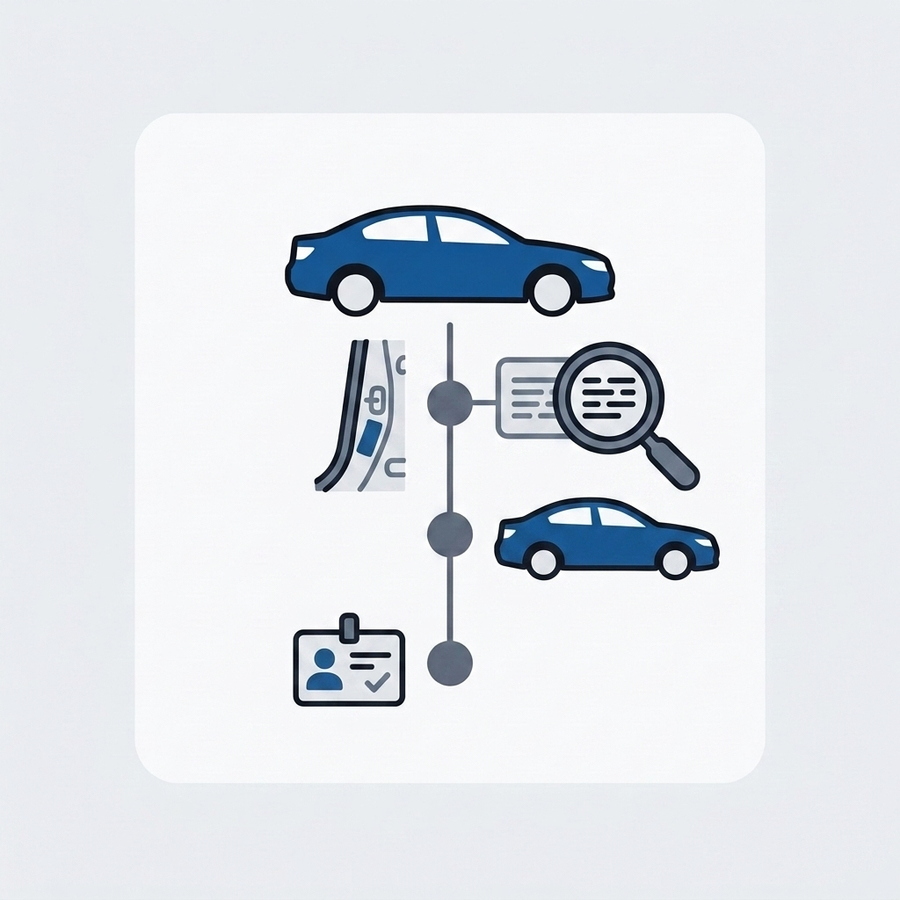
Adding a vehicle
Scan the VIN with your camera or enter it by hand.
Logging a service
Snap the receipt and save an entry in under ten seconds.
Reminders
Never miss an oil change, rotation, or service again.
Sharing your history
Hand buyers a receipt-verified page you can revoke anytime.
Plans & billing
What's free, what Premium adds, and how to cancel.
Account & privacy
Export your data, control sharing, or delete your account.
FAQ
Frequently asked questions
Search across every topic, or open a question to read the answer.
12 questions
What's a VIN, and where do I find it?
A VIN is your car's unique 17-character fingerprint. Look for it at the base of the windshield on the driver's side, in the driver's door jamb, or on your title, registration, and insurance card. MyGlovebox decodes it into the year, make, model, trim, and engine.
How do receipts verify a record?
When you attach a receipt photo to a service entry, MyGlovebox marks that record receipt-verified with a checkmark. It's the difference between a claim and proof: a buyer can see the maintenance actually happened, backed by the paperwork, instead of taking your word for it.
Can I use MyGlovebox without the mobile app?
Yes. The web portal is a full garage you can sign in to from any browser — view every vehicle, manage share links, and export your history. Your phone and the web stay in sync through one account, so use whichever is in front of you.
How do reminders work?
Each reminder can track a mileage interval, a time interval, or both. When you set both, MyGlovebox schedules the next service for whichever comes first — so a 5,000-mile or 6-month oil change is due the moment you hit either one. Keep your odometer current so the timing stays accurate.
What does a buyer see on a share link?
A read-only, receipt-verified timeline of the car's maintenance. They never see more than the last six digits of the VIN, and no account details, contact information, or private notes are included. Costs appear only if you turn that on when you create the link.
How do I revoke a share link?
Open the vehicle's share panel and tap Revoke. The link stops working immediately and anyone holding it loses access at once, so you're never locked into a link after a sale falls through or the car changes hands.
How do I cancel Premium?
Cancel through the app store you subscribed with, or from your web account. Your Premium features stay active until the end of the billing period you've already paid for, and your records remain yours to export even after you downgrade.
Can I export my data?
Always, and for free. You can download a full CSV of any vehicle's service history on every plan, including Free. We never hold your data hostage — it's yours to keep, move, or archive whenever you want.
How do I delete my account?
Delete your account and all of its data from Settings in the app or the account-deletion page. It's a full cascade delete: every vehicle, record, and receipt tied to the account is removed for good.
Is my data sold?
No. MyGlovebox does not sell your data. We use analytics and crash reporting to keep the app reliable, but that never includes your VIN or the contents of your receipts, and your records are never sold to anyone.
How do recalls work?
MyGlovebox checks your vehicles against the NHTSA recall database, so an open safety recall surfaces alongside your maintenance instead of getting lost in the mail. You see what's outstanding and can take it to a dealer to have it addressed.
Still stuck? We read every message.
Can't find your answer? Email support and a real person will help.