Help
Logging a service
Every service is one quick flow: open the camera, snap the receipt, glance at the pre-filled form, and save. Receipt-backed entries earn a verified checkmark.
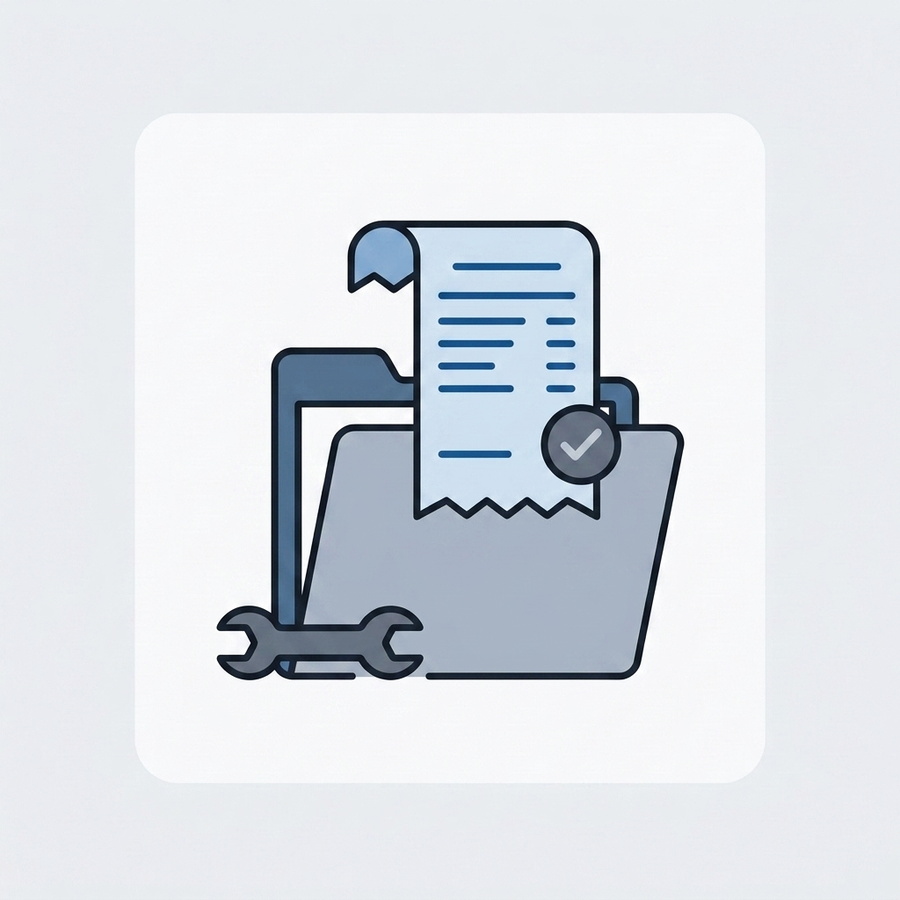
Open the quick log
Tap Log service on a vehicle. It opens straight into the camera so you can snap the receipt first — or choose Log without receipt to record the work on its own.
Let MyGlovebox read the receipt
On Premium, receipt auto-fill reads the vendor, total, and date off the photo and pre-fills the form while you work. It's a time-saver, not a guarantee — glance at the values, especially on faded thermal receipts.
Fill the one-screen form
Pick the service type (recent types are pinned at the top), confirm the date and mileage, and add the cost and vendor. Flip the DIY toggle for driveway work, and add notes if you want.
Save the entry
Saving drops the service onto your timeline. A receipt-backed record shows the verified checkmark, and any matching reminder reschedules itself from the mileage and date you just logged.
Related questions
Start your car's receipt-verified history — free.
One vehicle, unlimited logs, reminders, and CSV export cost nothing. Add the receipts and carry that proof to resale.