Help
Sharing your history
A share link is a read-only, receipt-verified history you paste into a listing. Buyers see the proof — not your VIN, your account, or your private notes.
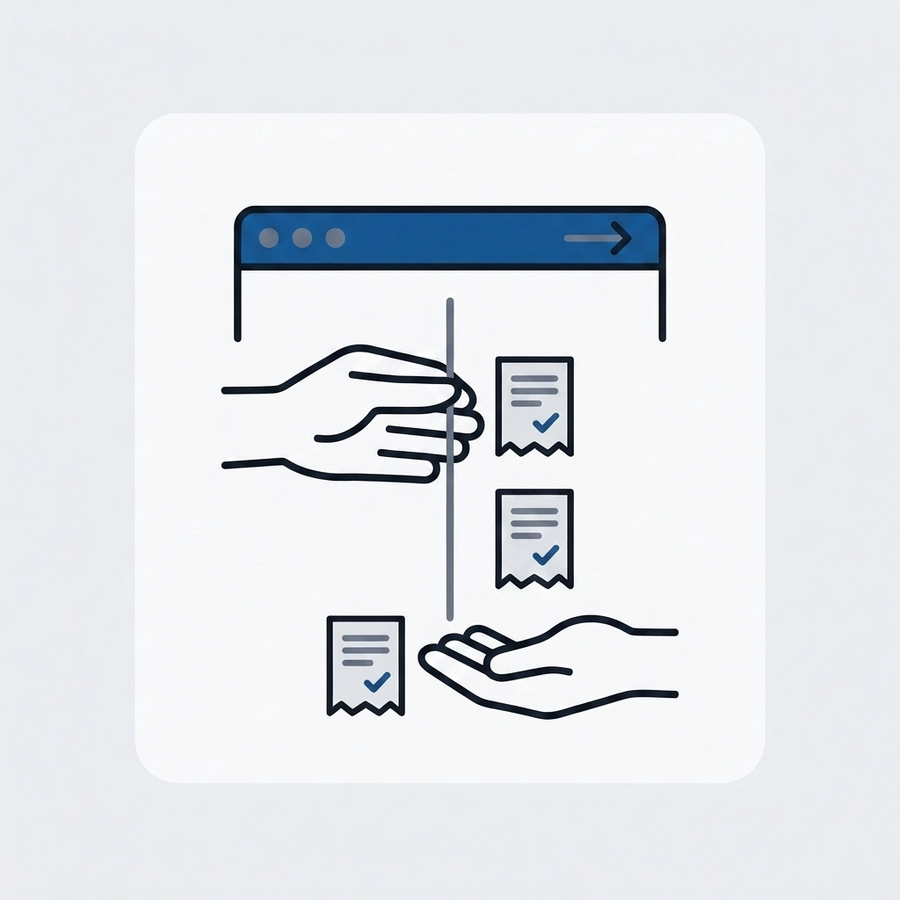
Open the share panel
Open a vehicle and find Share link. Share links are part of MyGlovebox Premium — free users can see exactly what a buyer would get before upgrading.
Choose what buyers see
Decide whether to show what you've invested with the Show total costs toggle, then tap Create listing link. Leave costs off and the page proves the maintenance without revealing your spend.
Copy or open the page
Copy the link into your listing, or open the page to preview it. Buyers see a receipt-verified timeline with only the last six of the VIN, no account or personal information, and none of your private notes.
Track views and revoke anytime
The panel shows a running view count. Tap Revoke to kill the link — anyone holding it loses access immediately, so you stay in control after the sale.
Related questions
Start your car's receipt-verified history — free.
One vehicle, unlimited logs, reminders, and CSV export cost nothing. Add the receipts and carry that proof to resale.